

Modules
Discord Bot
Connect your Discord server with TeamPanel – sync, tickets, moderation, community features, and more.
Discord Bot
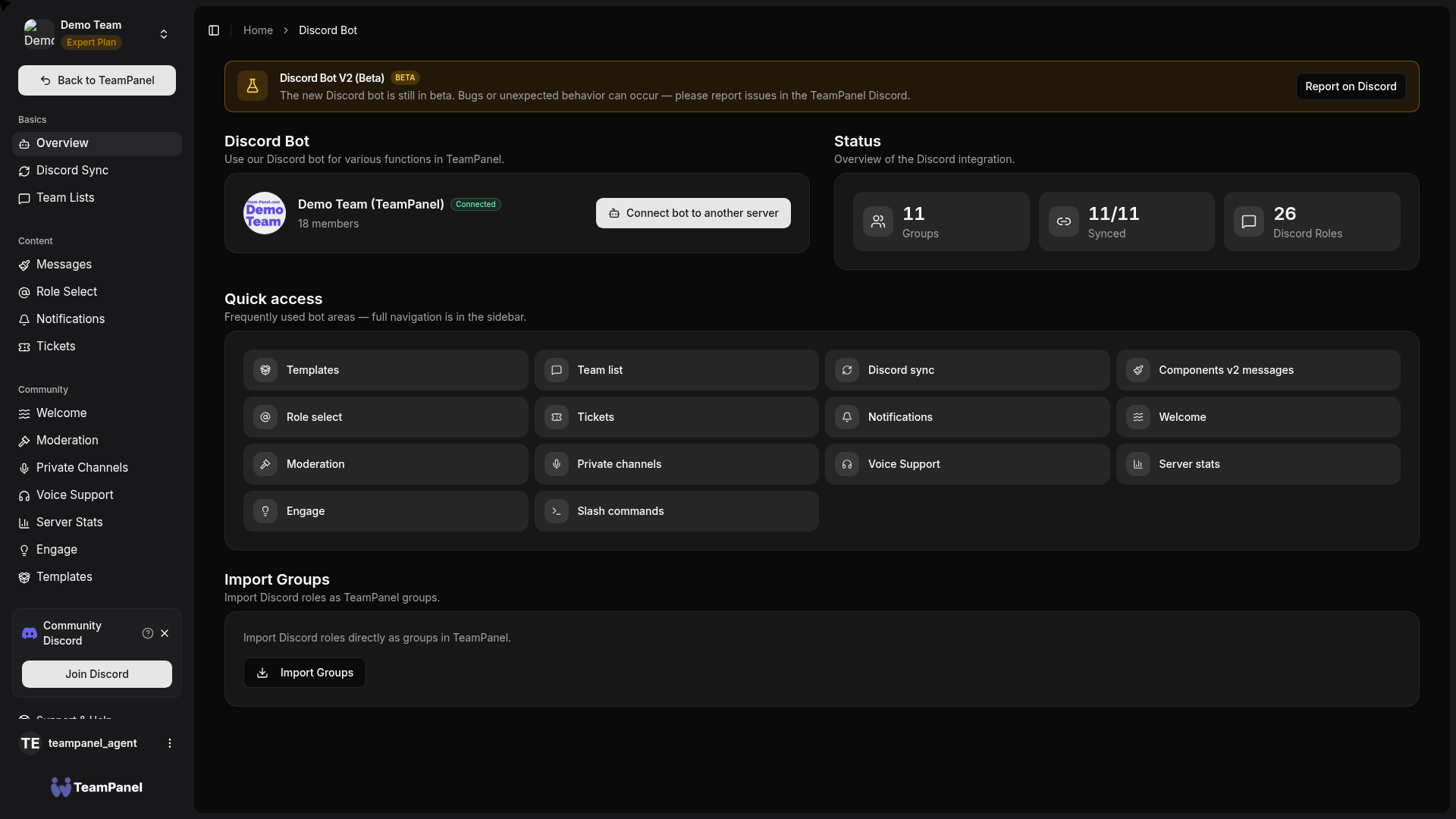
The TeamPanel Discord bot connects your team with a Discord server. Configuration lives under Discord Bot (/bot) in a dedicated sidebar (Discord Bot V2, beta).
Beta
Discord Bot V2 is in beta. Please report issues in the TeamPanel Discord.
Areas in the app
| Area | Path | Description |
|---|---|---|
| Overview | /bot | Connect bot, status, group import, quick access |
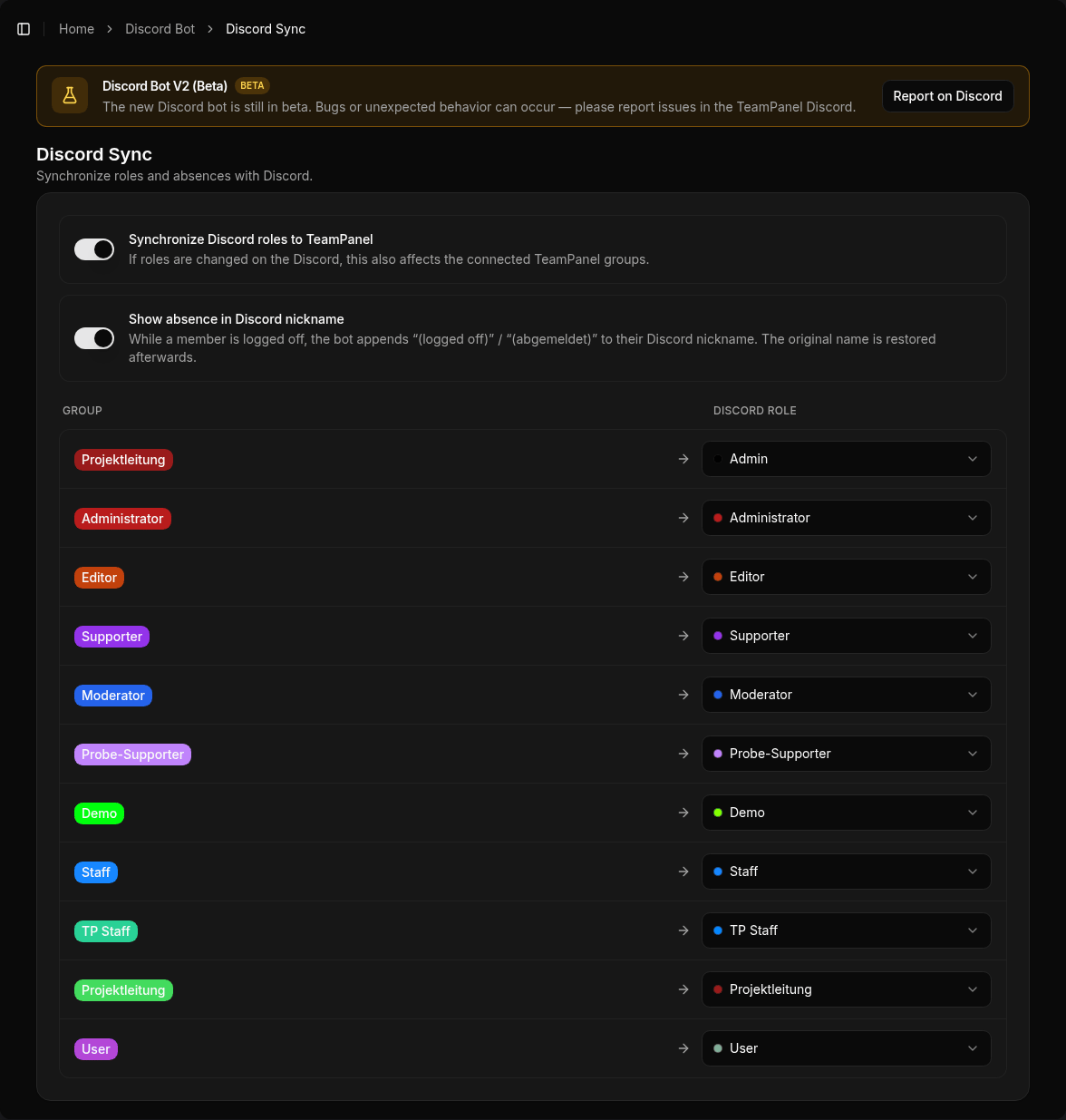
| Discord Sync | /bot/discord-sync | Groups ↔ roles, optional two-way sync |
| Team lists | /bot/team-list | Dynamic team/member embeds |
| Messages | /bot/messages | Components v2 messages |
| Role Select | /bot/role-panels | Self-assign role panels |
| Notifications | /bot/notifications | Points to Automation |
| Tickets | /bot/tickets | Panels, categories, automations, transcripts, staff stats |
| Welcome | /bot/welcome | Verification (incl. review) + join/leave/boost + auto-roles |
| Moderation | /bot/moderation | Logging, /mod, Image Guard, server protection, sticky roles |
| Private Channels | /bot/temp-voice | Temp voice via creator channel, owner controls |
| Voice Support | /bot/voice-support | Multiple rooms, duty, claim, /support |
| Server Stats | /bot/server-stats | Live counters (members, online, boosts, bots, roles) |
| Engage | /bot/engagement | Suggestions, polls, giveaways, team activity |
| Templates | /bot/templates | Apply official & community setups |
| Slash Commands | /bot/slash-commands | Command overview in the dashboard |
Getting started
- Add the bot
- Set up role sync
- As needed: Tickets, Welcome, Moderation, …
Note
Role sync and advanced limits depend on your plan. See Pricing.