Add bot
Add bot
Warning
Please note: You need at least the "Manage Server" permission on the Discord server to add the Discord bot.
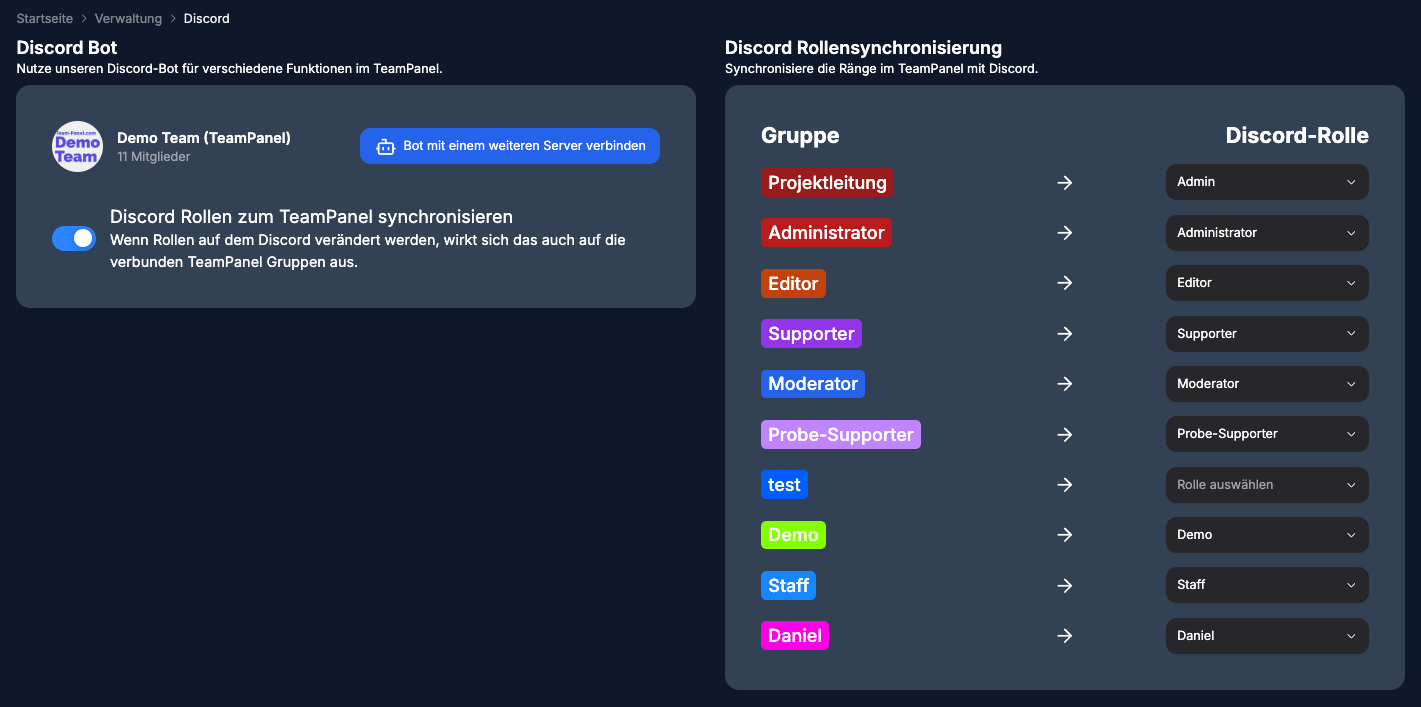
Adding the Discord bot is straightforward: open Discord Bot (/bot) in the app and click Connect bot to server.
.b7dfa132.png&w=3840&q=75)
You will then be redirected to the Discord authorization page, where you can read everything and confirm with "Continue"
.12274df1.png&w=3840&q=75)
Once that is done, TeamPanel should display the Discord data (Discord name, Discord members, and Discord roles).