

Engage
Suggestions, polls, giveaways, and team activity checks in the Discord bot.
Engage
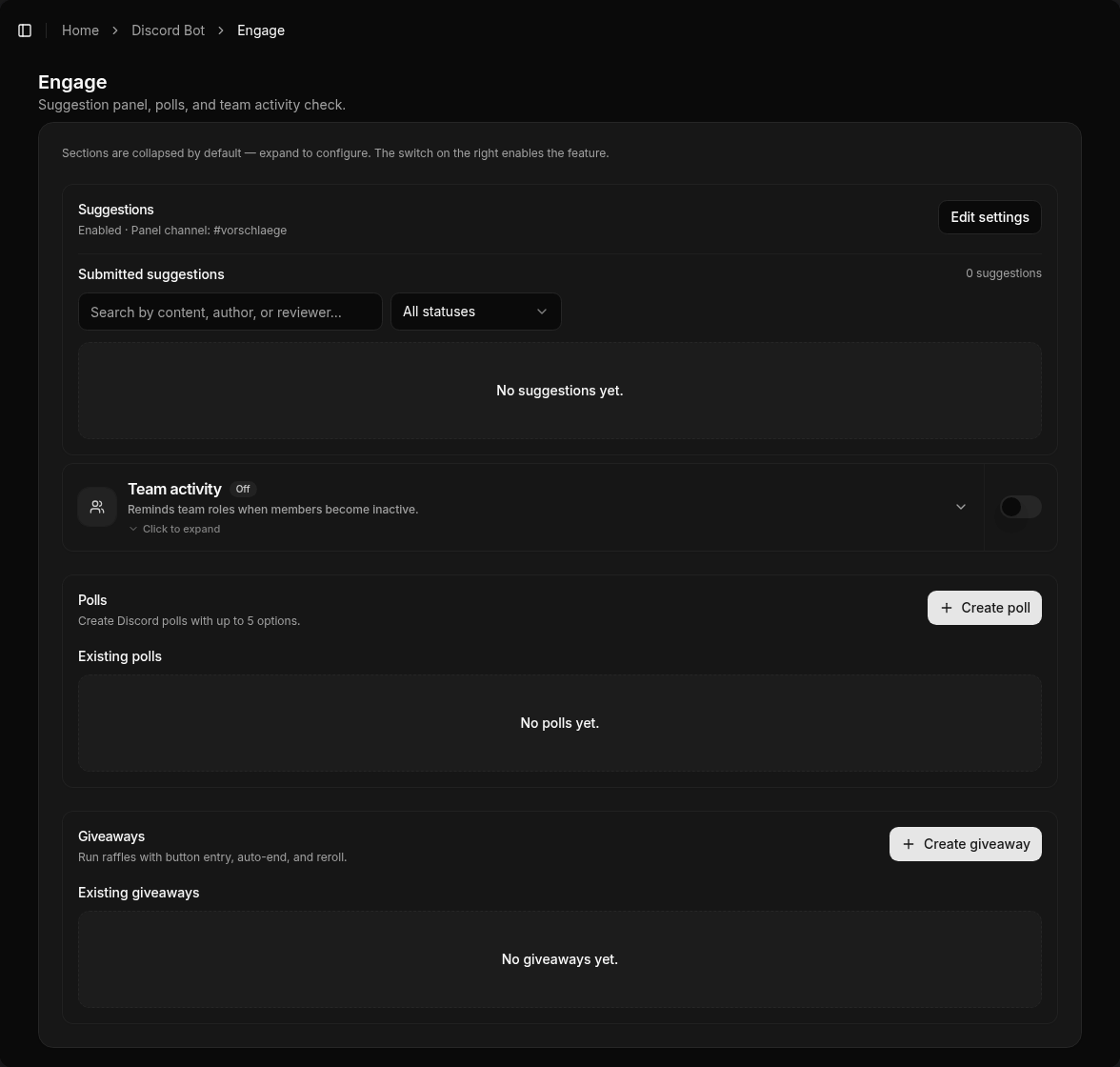
Under Discord Bot → Engage (/bot/engagement) you configure community interaction: suggestions, polls, giveaways, and team activity.
Suggestions
A panel for members to submit ideas. Voting and staff review (accept/reject) happen via buttons on the suggestion message.
Categories: optional multiple categories with their own channel, emoji, team roles, thread, review-first, and a log channel for accepted suggestions. Without categories, the single default channel applies. Members can also use /suggest with category and text. Per-category form questions (1–5) are supported.
Polls
Vote messages with buttons. The bot tracks participation and results in Discord.
Giveaways
Button-entry giveaways with automatic end and reroll. Create and manage them in the Engage area of the dashboard.
Team activity
Roster check of configured team roles — who is still on the server? In Discord also via /activity check (requires “Manage Server”).
Note
Which Engage features are available may depend on your plan. See Pricing.