

Welcome & Verification
Verification panel plus join, leave, and boost messages in the Discord bot.
Welcome & Verification
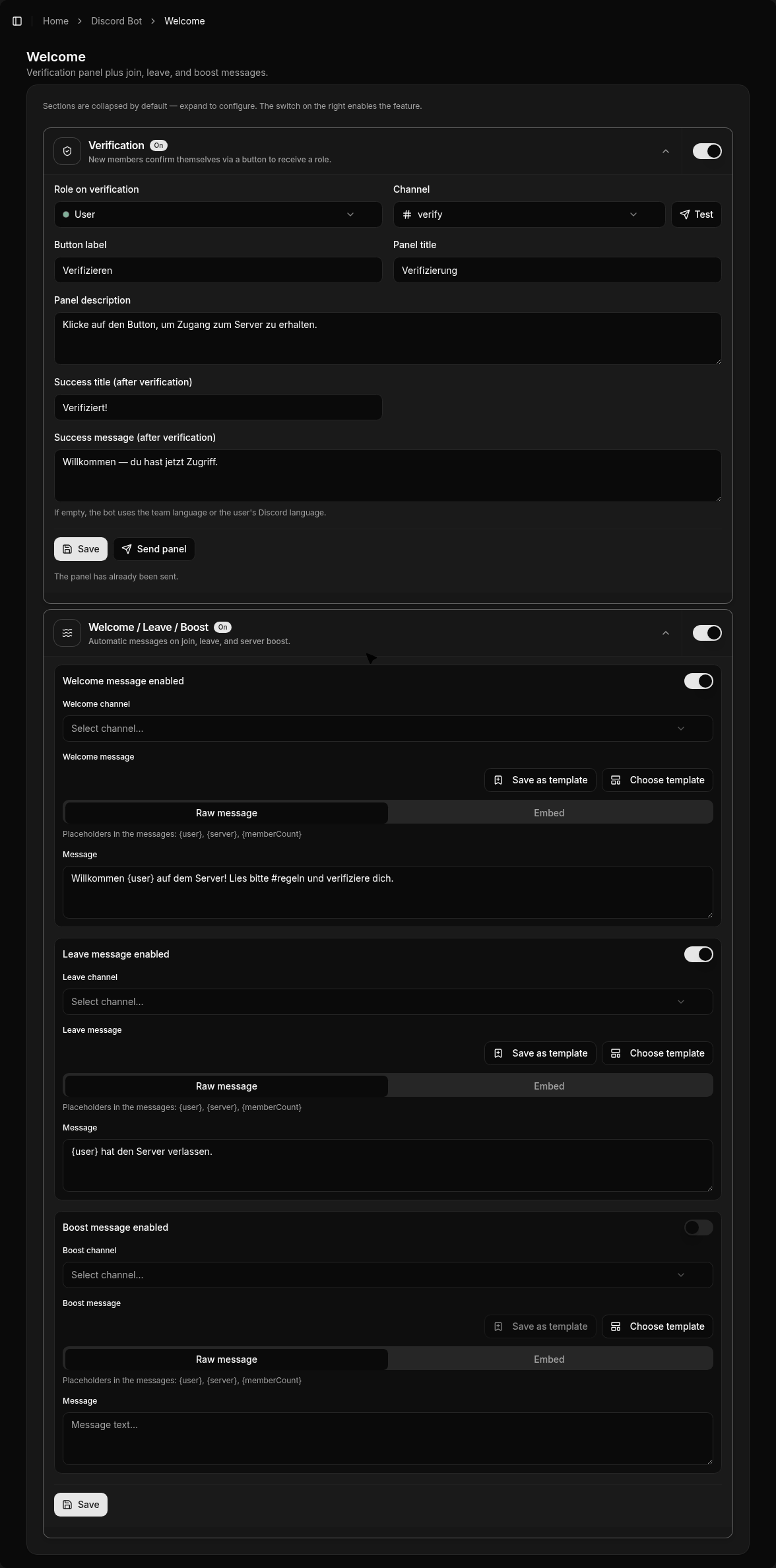
Under Discord Bot → Welcome (/bot/welcome) you configure the verification panel and automatic join / leave / boost messages.
Verification
New members confirm via a button and then receive a role you choose.
Typical steps:
- Enable the feature
- Choose the role granted after verification
- Adjust panel texts / button label (optional)
- Send the panel to a channel
Without verification, the role is not granted — keeping unverified accounts out of role-gated channels.
Optional manual review (verify review): instead of granting the role immediately, the request goes to a review channel. Staff decide with Approve and Deny buttons. You can also grant extra roles and remove roles on verify.
Welcome / Leave / Boost
For each event you can:
- pick the target channel
- use raw text or an embed
- save and reuse templates
Auto roles: roles granted automatically to new members on join (independent of the verify panel).
Placeholders:
| Placeholder | Meaning |
|---|---|
{user} | Member mention |
{server} | Server name |
{memberCount} | Current member count |
Language
Empty texts fall back to the team language or the user’s Discord language.