

Moderation & Protection
Logging, /mod actions, Image Guard, server protection, and sticky roles in the Discord bot.
Moderation & Protection
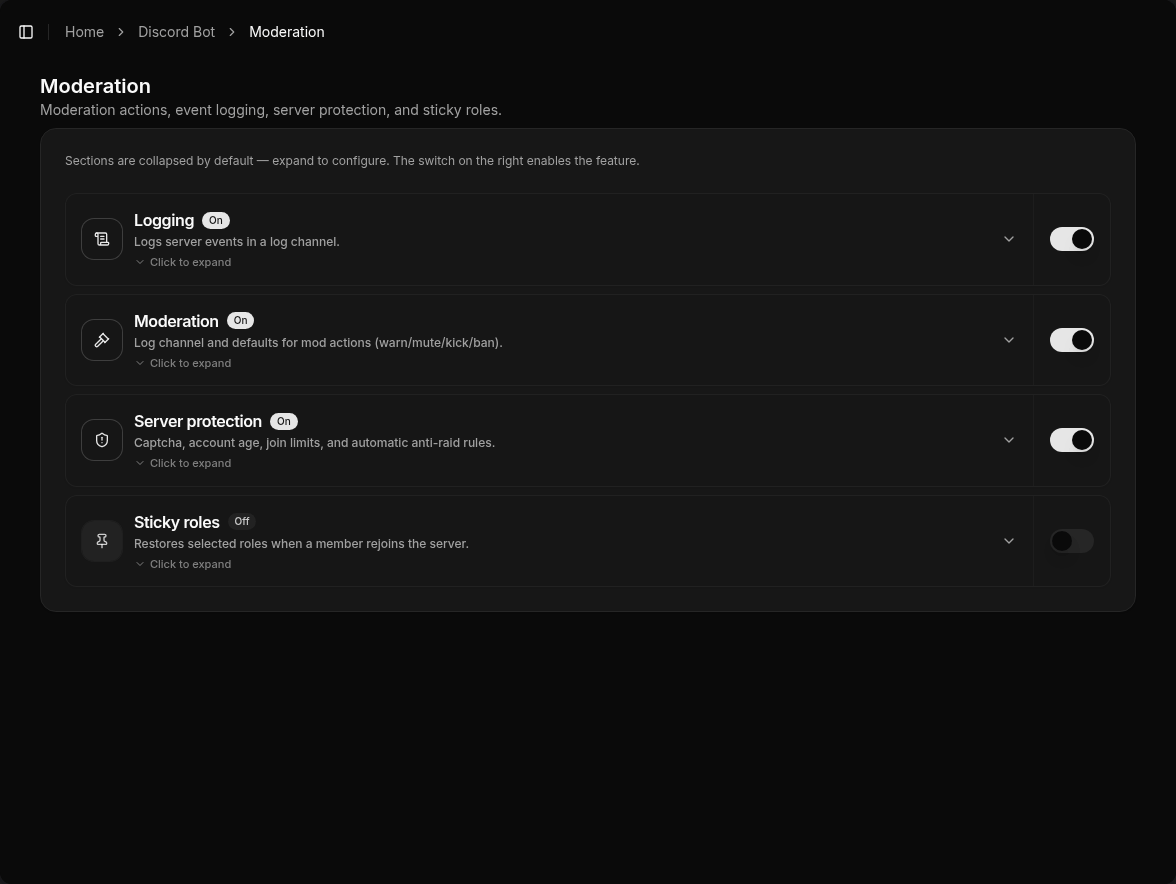
Everything under Discord Bot → Moderation (/bot/moderation): logging, mod actions, Image Guard, server protection, and sticky roles. Sections are collapsed by default — expand to configure; the switch on the right enables the feature.
Logging
Server events go to the configured log channel, including:
- message delete/edit and bulk delete
- joins, leaves, bans, kicks, timeouts
- nickname and role changes
- channel create/delete
- voice join/leave/move
Meaningful delete/edit logs require the Message Content Intent. Details: Message Content Intent.
Moderation (/mod and /report)
Slash command /mod with e.g. warn, unwarn, mute, unmute, kick, ban, unban, cases, clear.
Typical requirements:
- Discord permission “Timeout Members” (for mutes)
- “View Audit Log” so native Discord kicks/bans/timeouts are logged too
Additional dashboard settings:
- Immune roles — members with these roles are skipped by
/modactions - DM on action — optionally notify the target via DM
- Action roles — extra roles allowed to warn, mute, kick, ban, or view logs
- Anti-hoisting — strips special characters from the start of nicknames
- Warn limit — after X warns, mute, kick, or ban
- Report channel / report role — destination for
/report
Members report users with /report (user, reason, optional screenshot). The report lands in the report channel and in TeamPanel.
Cases and defaults (log channel) are configured in the dashboard.
Image Guard
Feature key imageGuard under Discord Bot → Moderation (/bot/moderation). Detects crypto and giveaway scam images in messages — no ML models.
Detection
Each image (attachment or embed, max. 4 per message) is scanned in order:
| Stage | Technique | Hit when |
|---|---|---|
| Hash | perceptual hash (dHash) | distance to built-in seed hashes or learned hashes (default distance 10) |
| QR | QR decoder (jsQR) + keyword score | QR text or caption matches crypto/giveaway patterns |
| OCR | Tesseract (English) + keyword score | recognized text reaches the threshold (default 6); higher = fewer false positives |
You can add extra keywords (one per line). Hash, QR, and OCR scans can be toggled independently.
What happens on a hit
- The message is deleted.
- Then the configured punishment: default timeout 10 minutes, or kick, ban, or no action (delete only).
- Optionally a DM to the sender.
- A log embed (detection HASH/QR/OCR, score, action, file) in the Image Guard log channel. If that channel is empty, the general logging channel is used. With neither channel set, there is no log.
Immunity and limits
- Immune: Administrator, Manage Server, Manage Messages, plus optional immune roles. Admins therefore cannot test the feature on themselves.
- Bots and ignored channels are skipped.
- Auto-learn: After a QR or OCR hit (not HASH), the bot stores the dHash in settings (cap 200). Copies are then caught by hash.
- Queue: max 3 concurrent scans; overflow is dropped (no scan during attachment bursts).
Testing
Test with an account that lacks admin/mod permissions (not Administrator, Manage Server, or Manage Messages). Otherwise the scan is skipped.
Server protection
Protection against raids and risky joins. Only enable rules that fit your server — overly strict defaults can block legitimate members.
- Minimum account age — accounts younger than X hours (0 = off). Action is configurable: kick (default), ban, or quarantine role; optional DM to the member.
- Raid mode — while on, the join-rate action (kick/ban/quarantine) applies immediately to every new (non-bot) join until you turn raid mode off.
- Join limits — max joins in a time window; exceeding it uses the same action (kick/ban/quarantine).
- Safety rules — e.g. channel/role create or delete, bot add, webhook, ban/kick: limit + window + action, each rule toggleable.
- Captcha — optional: new members get the unverified role and solve a math captcha on the panel, then receive the verified role.
Sticky roles
Selected roles are stored and restored when a member rejoins. Useful for VIP, booster, or team roles that would otherwise be lost.
Permissions
The bot needs matching Discord permissions (manage roles, send messages, timeout members, audit log, …) or individual features will not work.