

Team Management
Members
Invite, manage, and set permissions for team members; use the archive.
Members
Under Members, you manage all people in your team — provided you have the appropriate permissions.
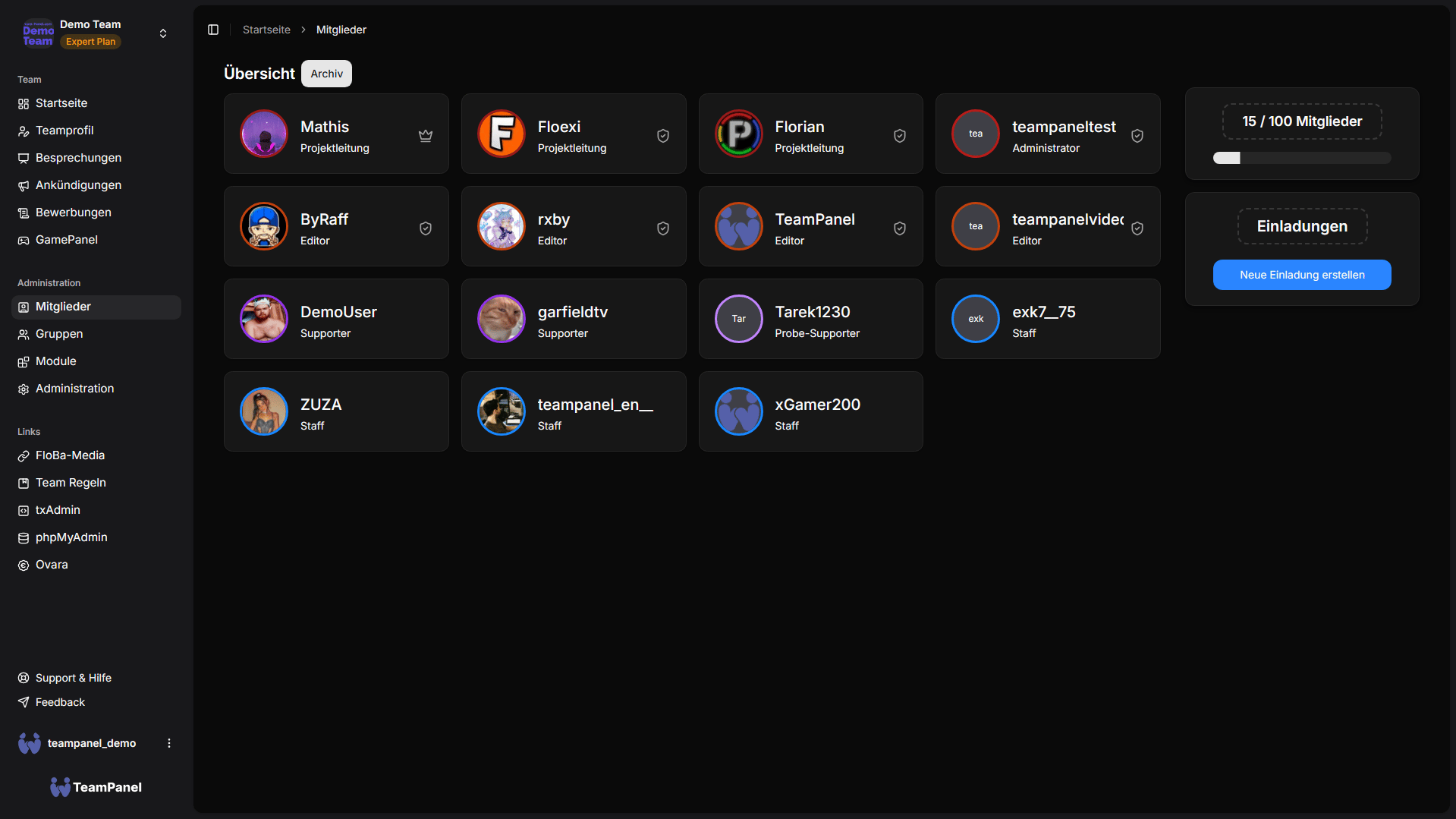
Member list
You see among other things:
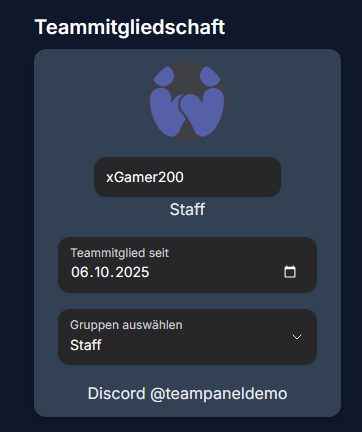
- Join date (editable)
- Groups
- Linked accounts (Discord, Google, Minecraft, Hytale, …)
- Status (active / archived)
Invitations
Using the invitation feature, you generate links or invitations for new members.
| Type | Description |
|---|---|
| Single-use invite | Classic: the link is valid for one join |
| Multi-use invite | On higher plans: the same link can be used multiple times (time-limited) |
Details on limits are available on the pricing page.
Member detail
In a member's detail view, you can depending on permissions:
- Adjust groups and permissions
- Add notes
- Assign penalty points
- View logoffs
- Attach files
- Assign access documentation
- Review logs for the member
- Kick the member or (as owner) prepare ownership transfer
Archive
Departed members are moved to the archive and can be restored or viewed when needed (plan-dependent).
Permissions
Many actions require specific team permissions (view members, invite, edit permissions, …). Superadmins and group templates control this centrally.