

Modules
Enable and disable modules – only for superadmins under Administration → Modules.
Modules
Under Administration → Modules (/modules), you control which optional modules are active in your team. The page is only visible to superadmins.
An overview of all features is available under Available Features.
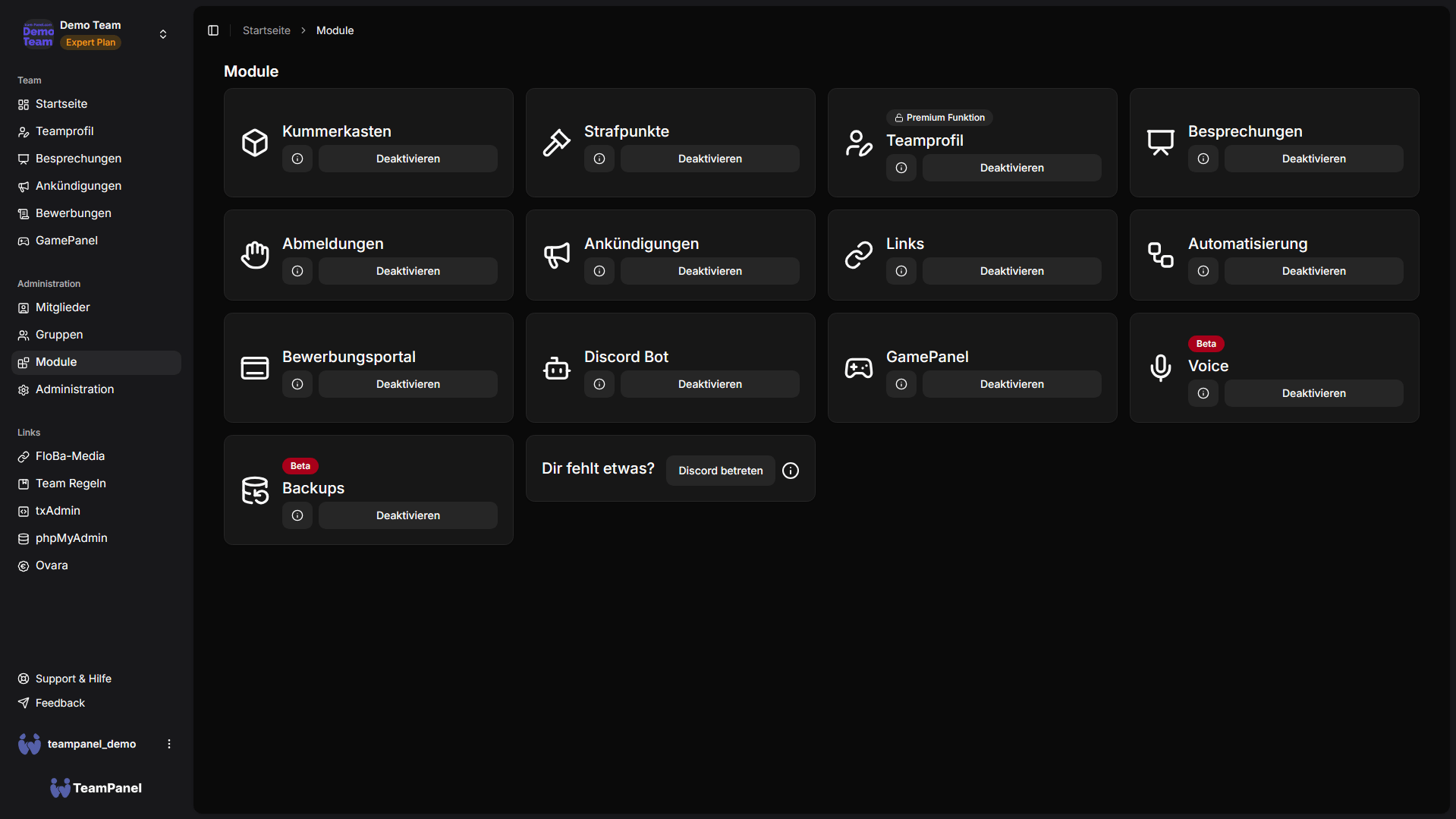
Optional modules
On the modules page, you see the modules you can turn on and off:
| Module | Summary |
|---|---|
| Application Portal | Public portal for applications and departments |
| GamePanel | Game server management (including FiveM, Minecraft, Hytale) |
| Backups | Backup of databases and system files |
Enable & disable
- Open Administration → Modules.
- Enable or disable the desired module using the toggle.
- Some modules show a gear icon for additional settings — there you configure e.g. portal or GamePanel options.
Disabled modules disappear from the sidebar and are no longer available to the team until you turn them back on.
Always available features
Many core features are no longer toggle modules. They are generally available and controlled via permissions (group rights):
- Meetings
- News / announcements
- ToDo
- Documents
- Support
- Discord Bot
- Links
- Penalty points
- Logoffs
- Worry box
- Automation
Whether individual team members can see or use these areas is defined in Groups & Permissions — not via the module toggles.
Modules vs. built-ins
Only Application Portal, GamePanel, and Backups are enabled and disabled on /modules. Everything
else is built into the panel and runs via permissions or the respective admin tile.
Further documentation
Details on individual features: Available Features.