

Groups
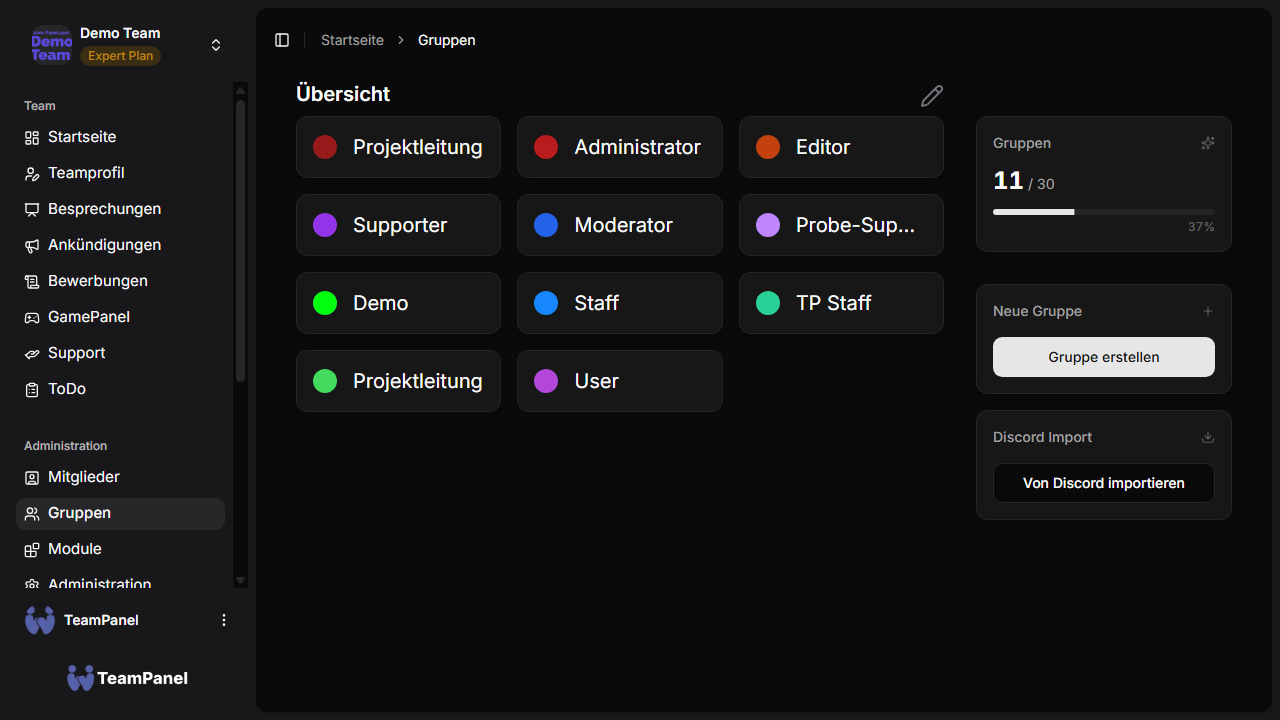
Groups in TeamPanel can represent ranks or departments in your project team, for example. Here you can also define which group should have which permissions.
Create a group
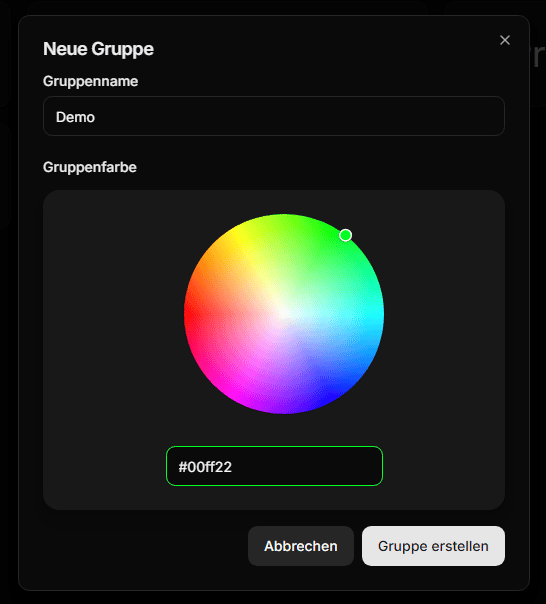
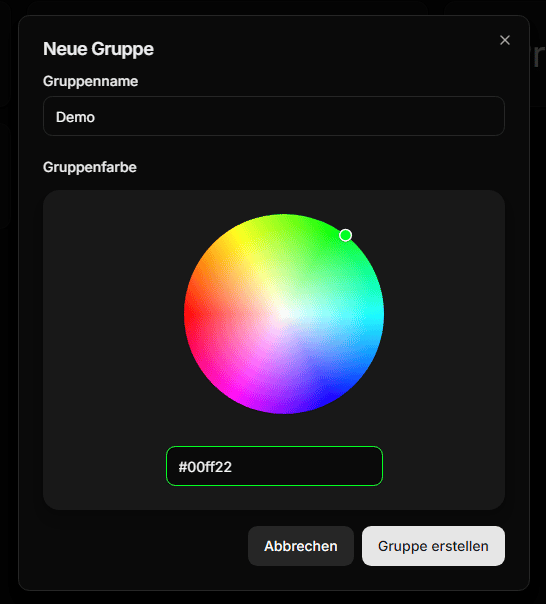
To create a group, click the Create new group button. Make sure you have not reached the group limit yet. To create additional groups, you can purchase a plan with more features. After clicking the button, you can choose a group name and a color for the group.
Set permissions
You can select a group to edit its permissions. Next to the group information, you also see categories for individual modules, etc. Then simply click a permission and decide whether to grant or revoke it for the group. Depending on whether the permission was active or not, it will be granted to or removed from the group.
Import from Discord
Under Discord Import, you can import groups and members directly from your Discord server — instead of creating everything manually.