Settings
Manage your profile, notifications, and privacy settings in TeamPanel.
Settings
In Settings, you can configure various options for your account. The page is divided into three main sections: General Settings, Notifications, and Privacy.
General Settings
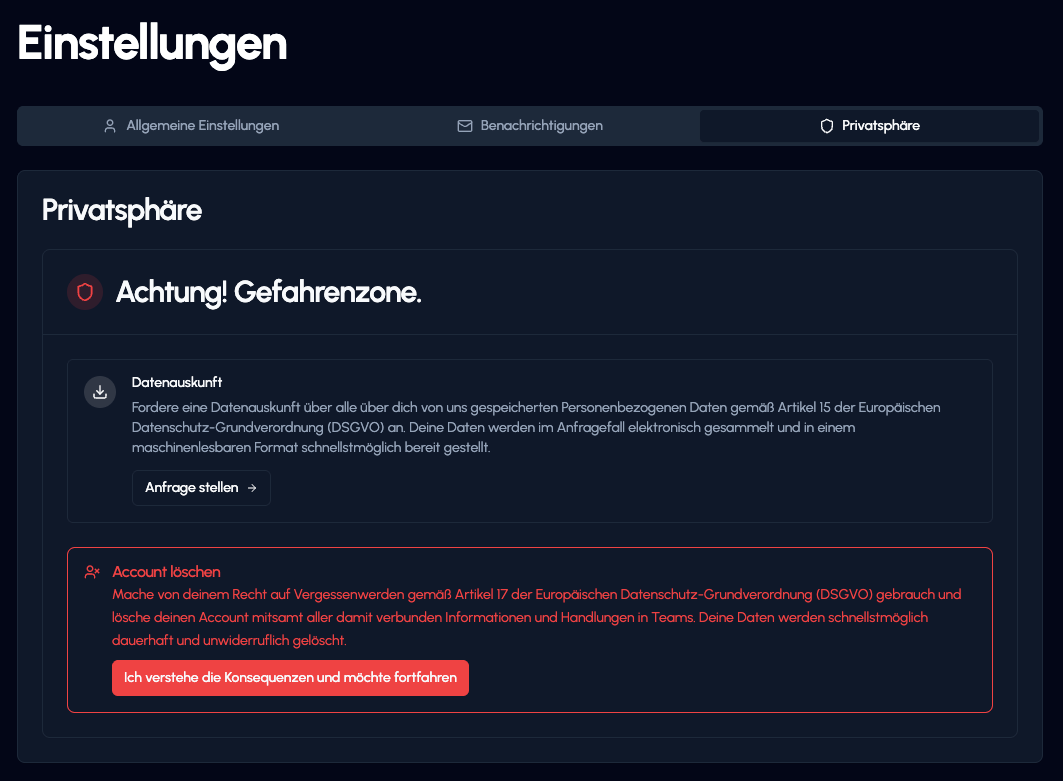
In this section, you can manage your basic profile information.
- Avatar: Upload or change your profile picture here.
- Username: Change your display name in TeamPanel.
- Email: Manage the email address linked to your account.
Important note about your username
You can only change your username every 14 days. So choose your name carefully.
Notifications
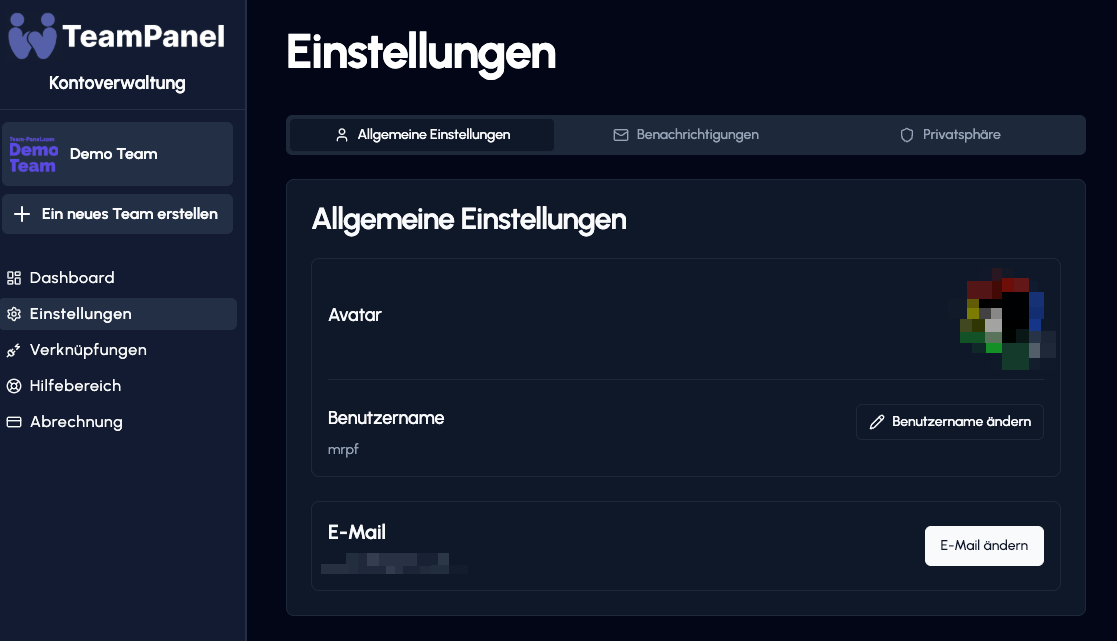
Here you decide how and about what you want to be notified. For different categories, you can choose whether to receive notifications via email, Discord, or push messages.
Important note about push notifications
Push notifications are not available yet. However, this feature is already on our roadmap (currently without a fixed date) and will be released in a future version.
- System: Important information about your account and security.
- Product updates: News and improvements around TeamPanel.
- Marketing: Offers, promotions, and relevant recommendations.
Under "Recent notifications", you'll also find a history of your most recent messages.
Privacy
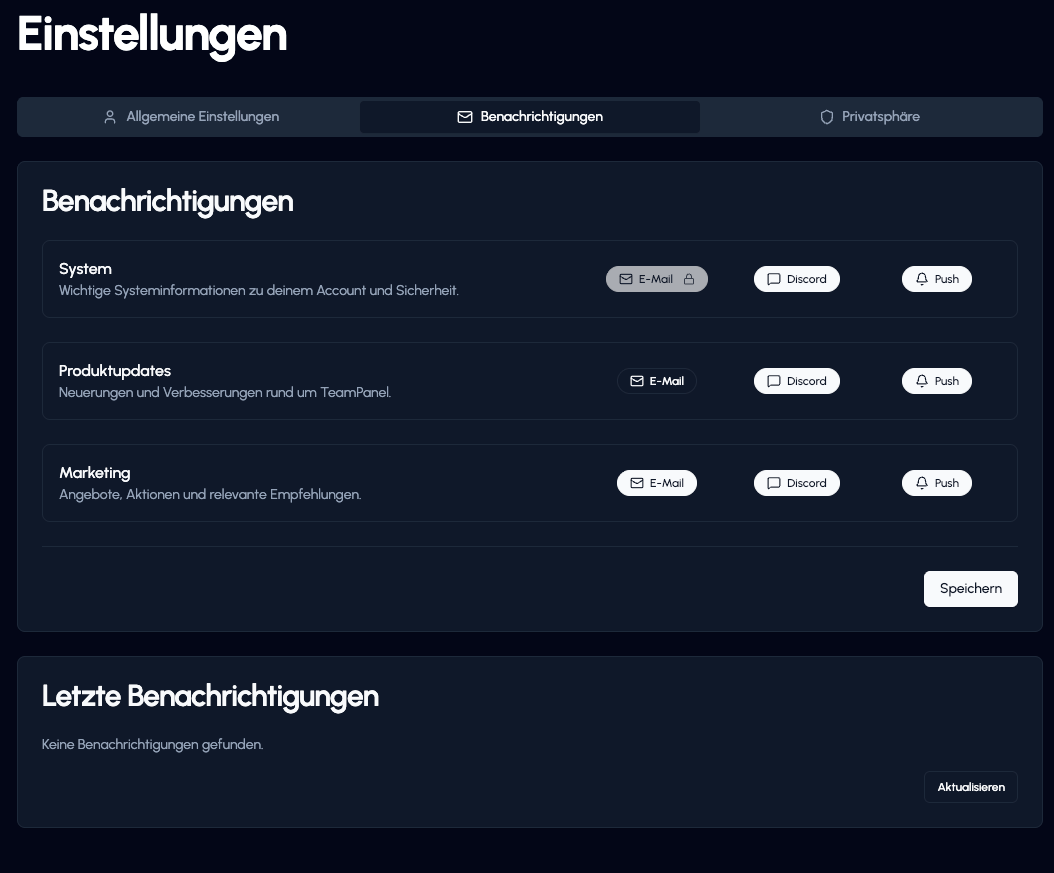
In the Privacy section (danger zone), you'll find options for managing your data and account in accordance with GDPR.
- Data export: Request a copy of all personal data stored about you under Article 15 GDPR. The data will be provided to you electronically in a machine-readable format.
- Delete account: Here you can exercise your "right to be forgotten" (Article 17 GDPR). Your account will be permanently deleted along with all associated information.