

Setup (FiveM)
Domain/DNS, install TeamPanelFX, and connect FiveM to the GamePanel.
Setup (FiveM)
Connect your FiveM server (ESX or QBCore) to the GamePanel via domain/DNS and the free TeamPanelFX script.
Prerequisites
- TeamPanel account and active GamePanel module
- Your own FiveM server
- TeamPanelFX (free, Cfx.re account required)
Video walkthrough: YouTube
Connect a Domain to FiveM
For a stable connection, you need a domain (or FreeDNS) pointing to your host's IPv4. Without your own domain, a free dynamic DNS provider is sufficient.
- Log in to your DNS provider.
- Create an A record for a subdomain (e.g.
play.yourdomain.com) pointing to the server IPv4. - Save.
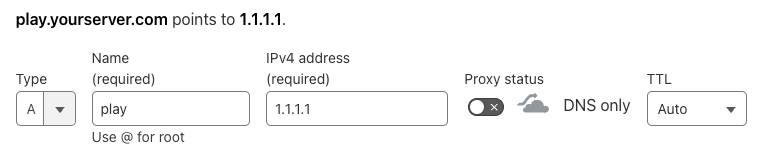
Replace 1.1.1.1 with the IPv4 of your dedicated server/VPS.
Cloudflare
If you use Cloudflare: disable the orange cloud (proxy) for this record (DNS only).
Any FreeDNS provider works. The following screenshots show No-IP (FREE Dynamic DNS) as an example. TeamPanel is not partnered with No-IP.
- Create and confirm a No-IP account.
- Choose FREE Dynamic DNS and create a hostname.
- Point the hostname to your server IPv4.
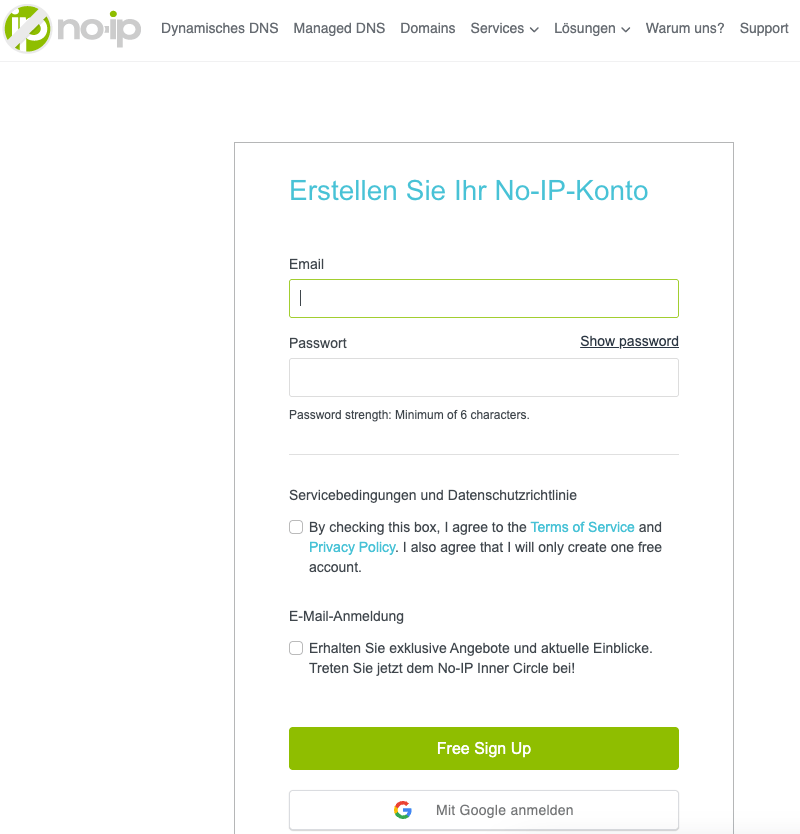
No-IP confirmation
No-IP sends a confirmation email every 30 days. Without confirmation, the hostname is deleted.
Install TeamPanelFX
Unlock
- Unlock the script in the Ovara.gg Shop (free, no payment method required).
- Download via Keymaster → Granted Assets (
TeamPanelFx.pack.zip).
Step-by-step images and instructions: FiveM Script.
Install & Start
- Create a folder named
TeamPanelFXat.../resources/[standalone]/TeamPanelFXand extract the zip. - In txAdmin, start the TeamPanelFX resource.
- In the live console, you should see something like:
[ script:TeamPanelFX] Attention safety warning: You need to setup the script via https://game.team-panel.com, otherwise others may be able to access actions.Folder name
The folder must be named exactly TeamPanelFX, otherwise the script may not start reliably.
Tip
Add ensure TeamPanelFX to your server CFG and restart the server.
Create a Game in the GamePanel
- Open game.team-panel.com (select the correct team).
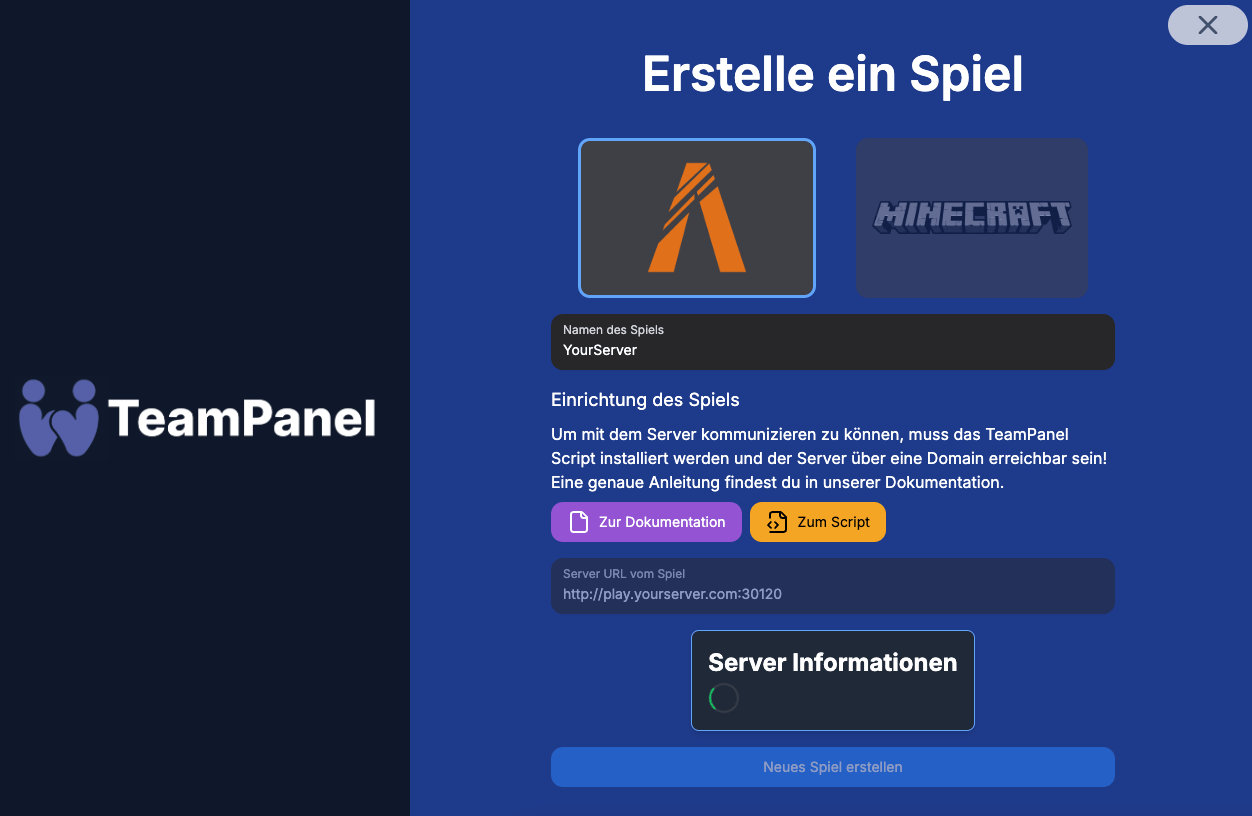
- Create game → type FiveM.
- Game name – any name (e.g. live vs. dev).
- Server URL – domain from step 1 with scheme and port, without trailing slash:
http://yourhostname.domain.com:30120
Important
Port must be correct (default is often 30120), the script must be running, and the server must
be reachable.
The connection check may take a few seconds. If the server message and status look correct, click Create new game.
Reset Server
If the server was already linked to another game, reset the script in the server console with /resetteampanel and start the setup again.
Troubleshooting
| Symptom | Check |
|---|---|
| Script not started | Resource in txAdmin / CFG |
| Server not reachable | URL, DNS, port, firewall |
| No access / script reset | /resetteampanel, repeat setup |
| Cloudflare issues | Proxy off (grey cloud) |
Next: Features Overview