

Role sync
Role sync
Success
To use role sync, your team members must first link their TeamPanel account with Discord. From the Pro plan onward, you can require this for all team members and ensure that role sync works reliably at all times.
Danger
Important: The Discord bot's role must be above the roles the bot can assign itself.
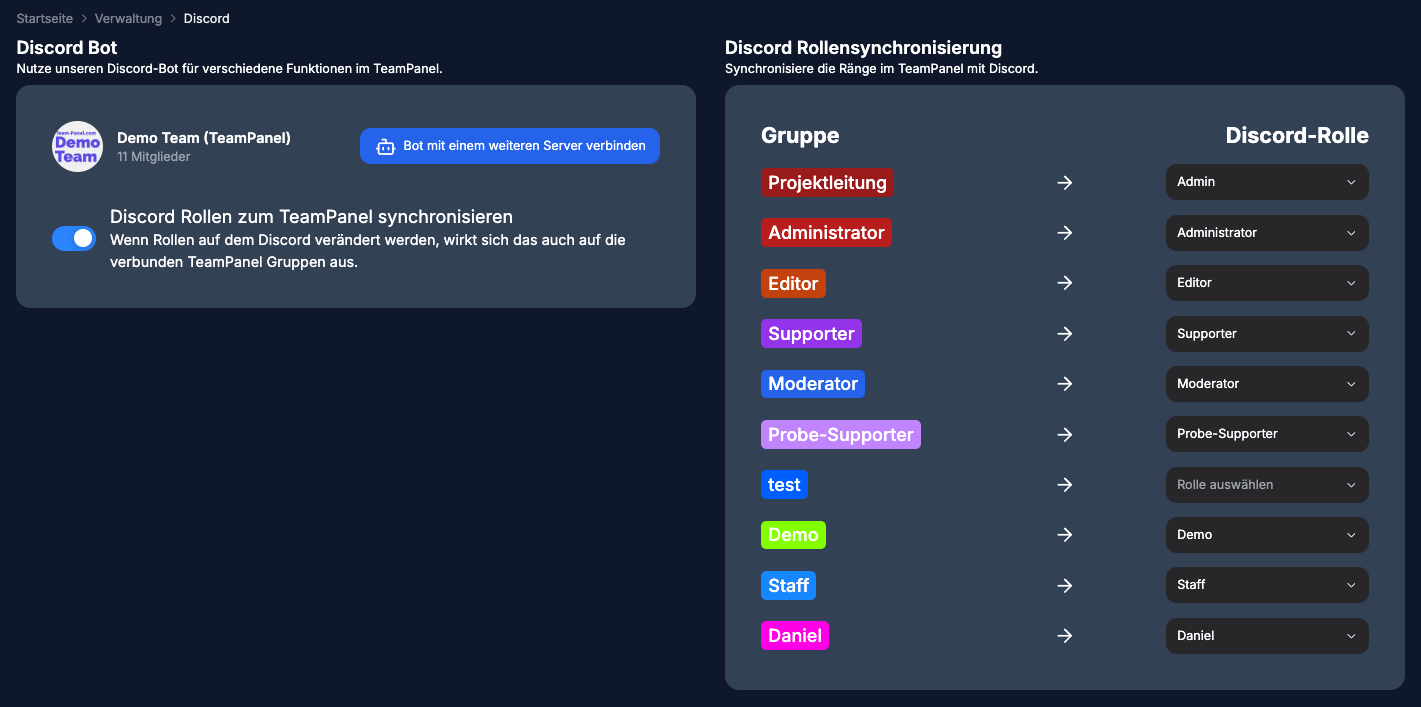
Role sync gives you and your team organized role assignment:
- TeamPanel → Discord: Members automatically receive the linked Discord role when their group changes in TeamPanel.
- Discord → TeamPanel (optional): With two-way sync enabled, the bot updates TeamPanel groups when a linked Discord role is added or removed.
Requirements for Discord → TeamPanel:
- The member's Discord account is linked to TeamPanel
- The Discord role is mapped to a group
- Synchronize Discord roles to TeamPanel is enabled
Use two-way sync carefully so Discord role changes do not unexpectedly override groups in TeamPanel.
Info
For teams created before June 8, 2025, this feature is disabled by default and must be enabled manually.